
Support > Xiaomi & Redmi Phone Installation
Xiaomi & Redmi Phone Installation
Step 1
Double-click the installation package in the folder or browser.
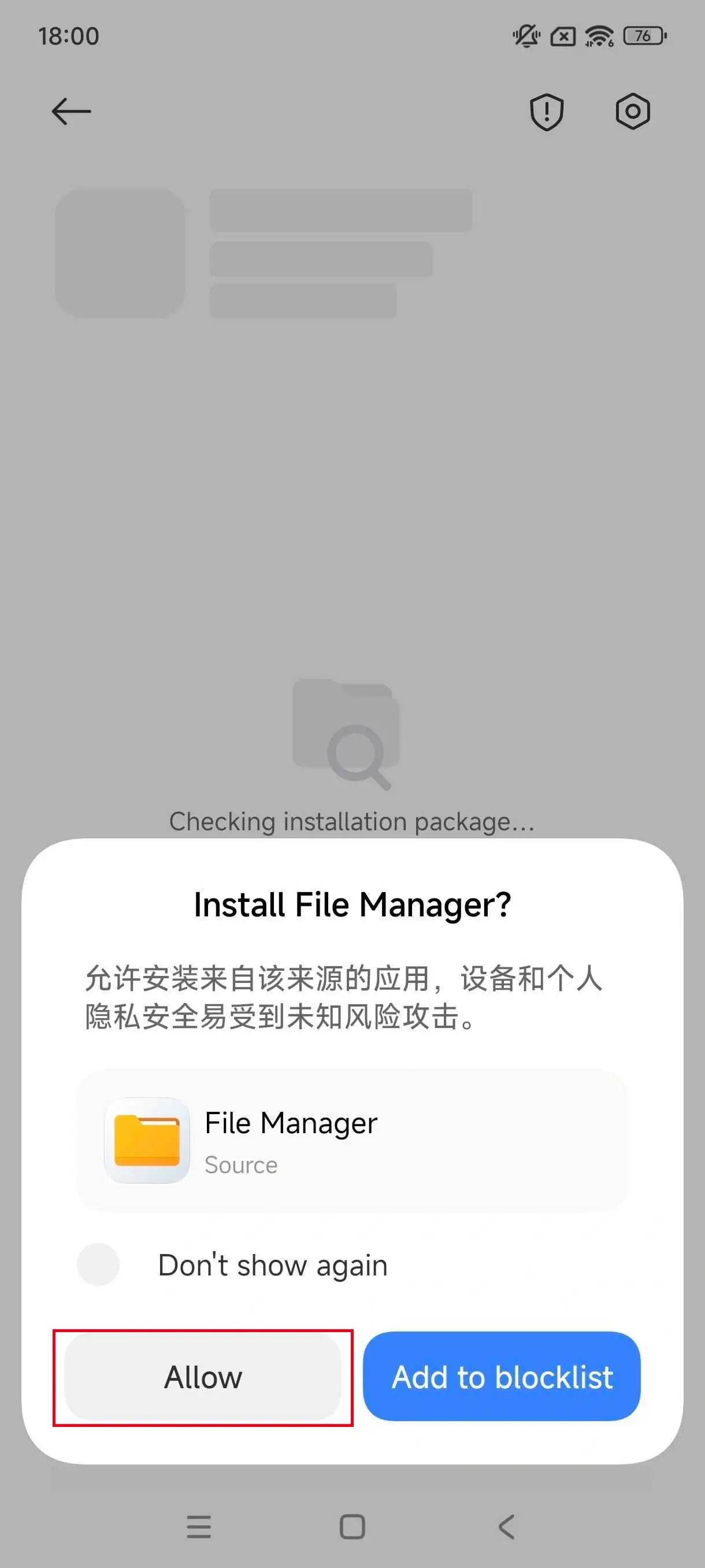
Step 2
Click Allow to continue installing the application. (If you see the message “No ICP filing information found”, click Continue Installation.)
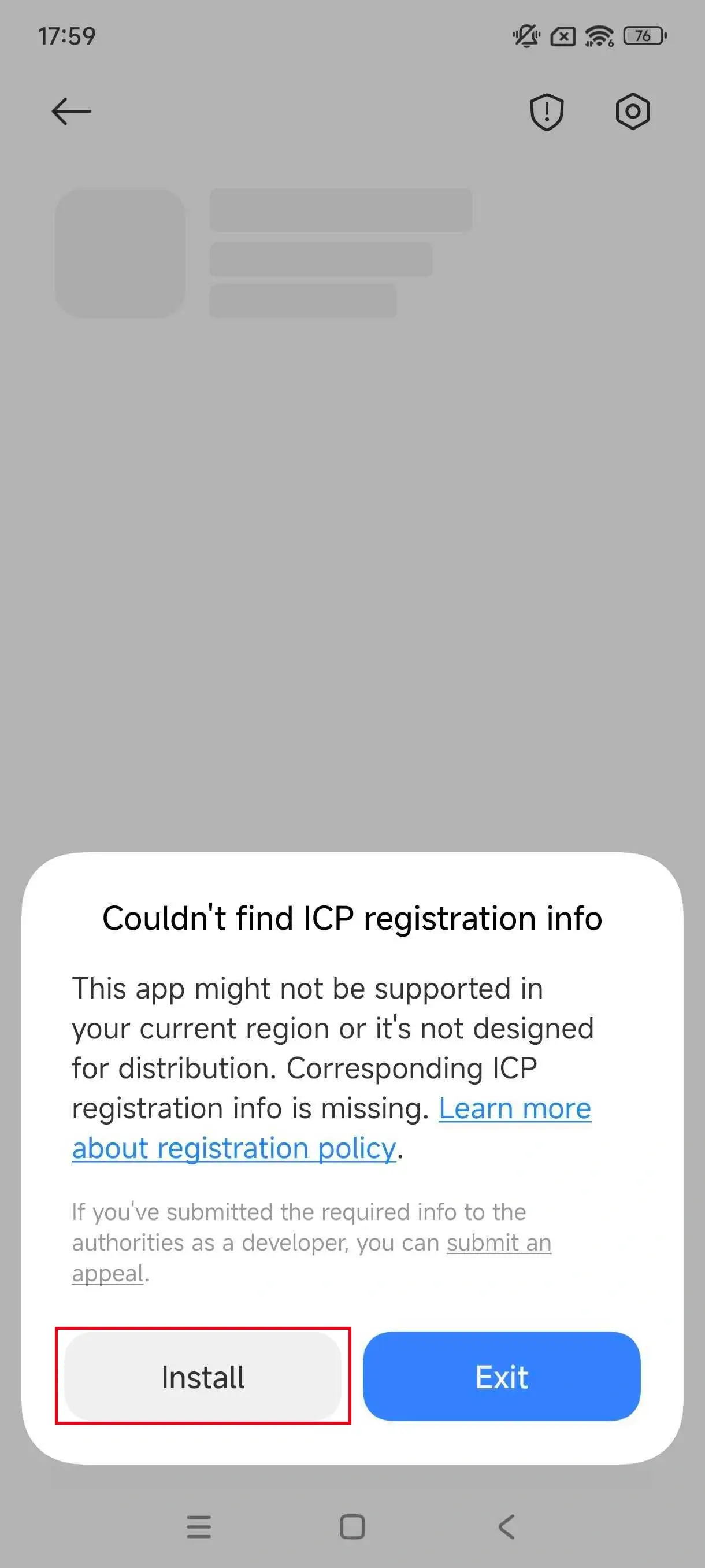
Step 3
After reading the warning, click Install anyway.
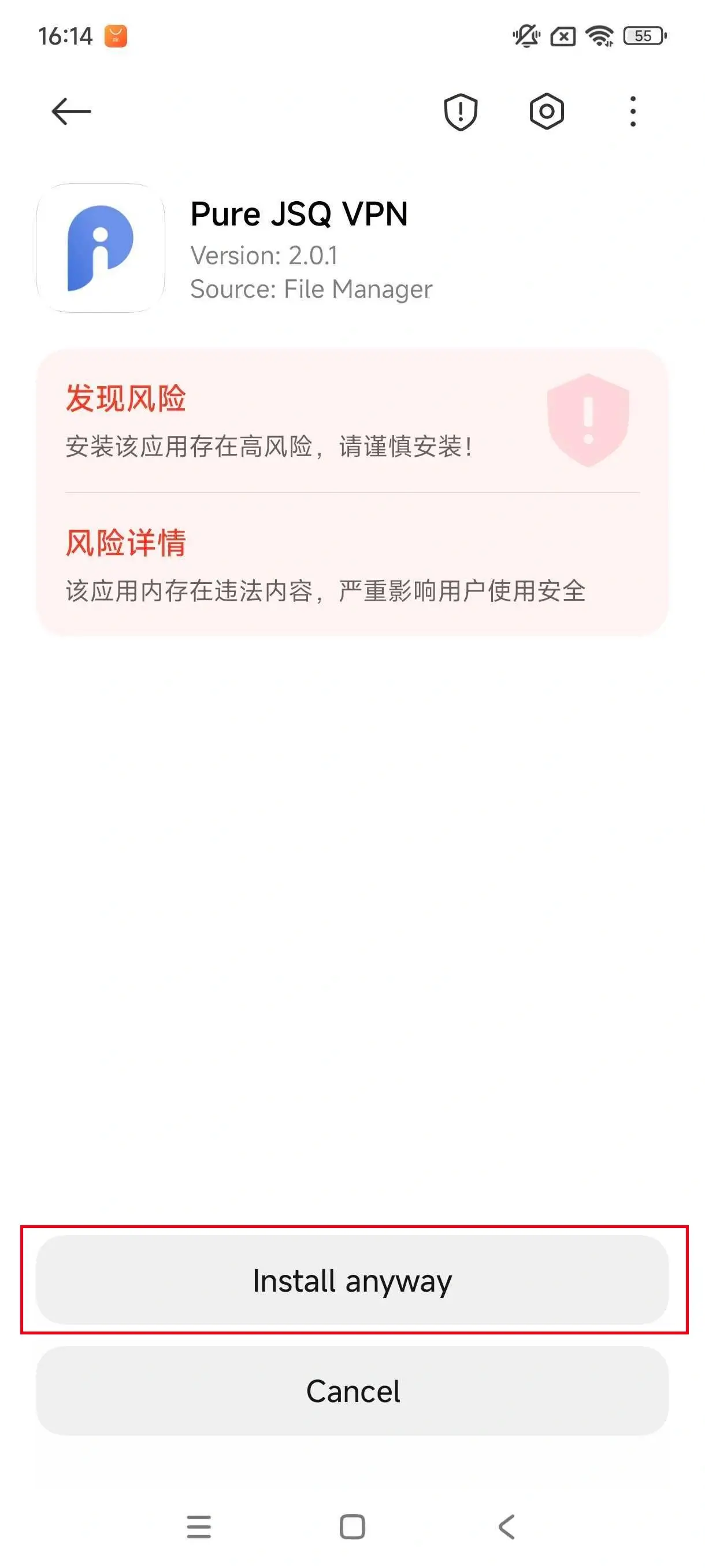
Step 4
Click Continue to skip the risk information.
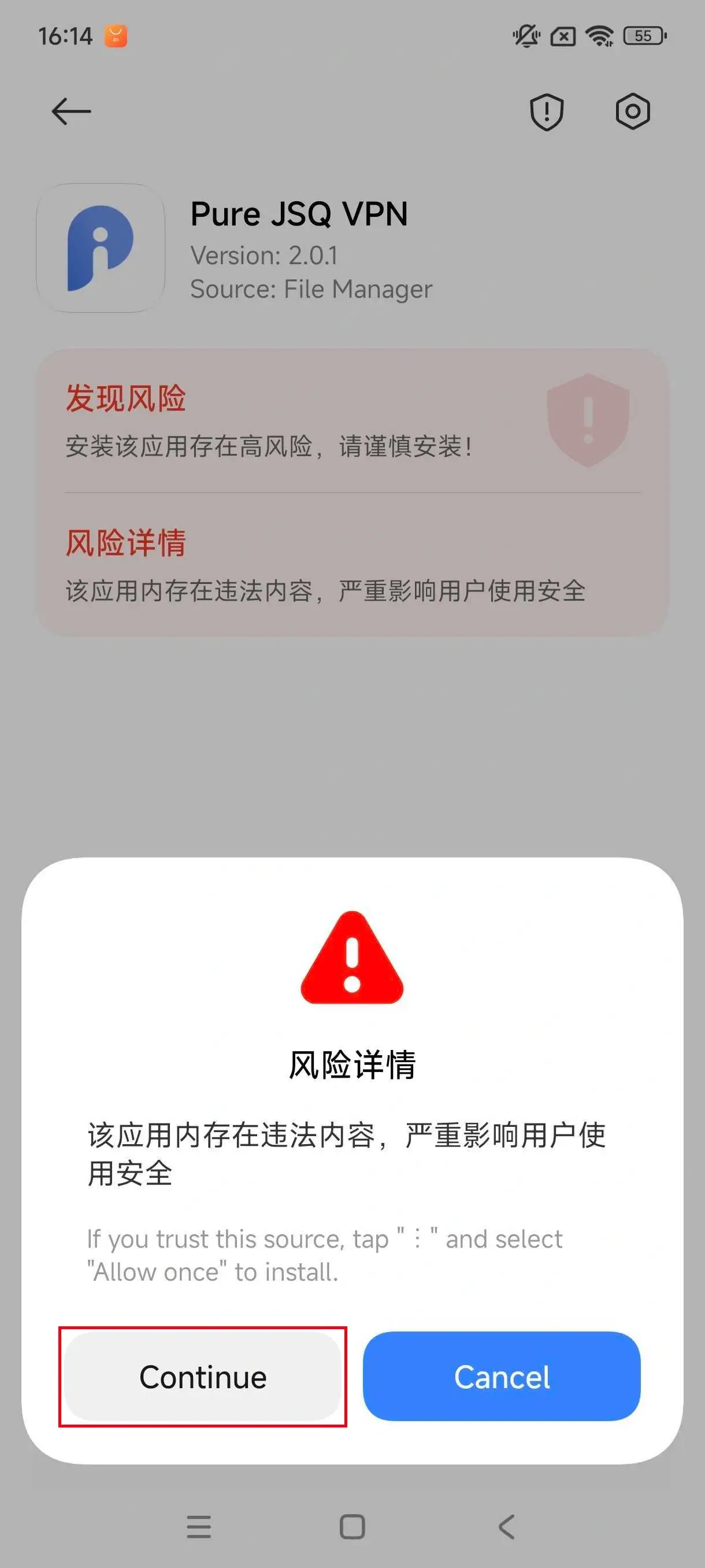
Step 5
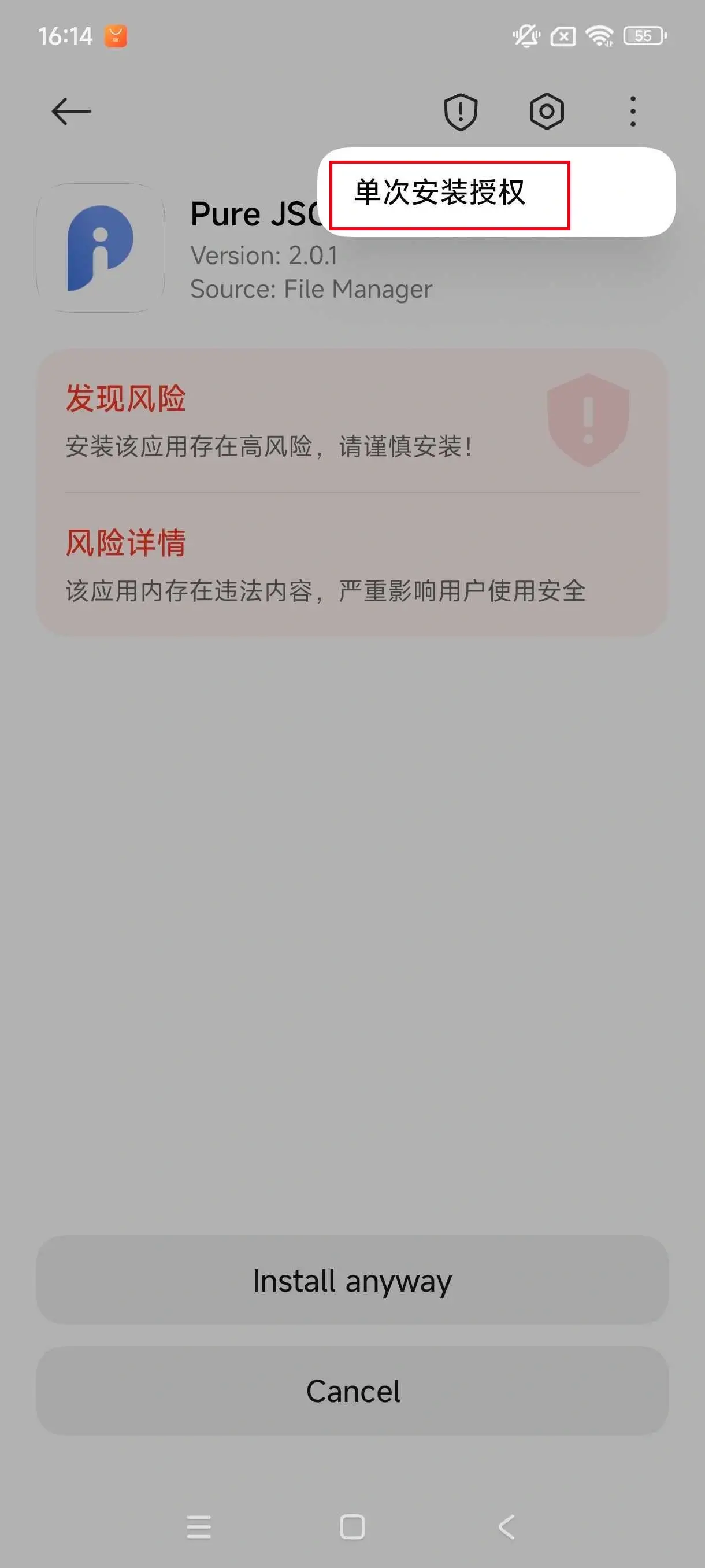
Click right conner button to allow 单次安装授权 (for allow single installation).
Step 6
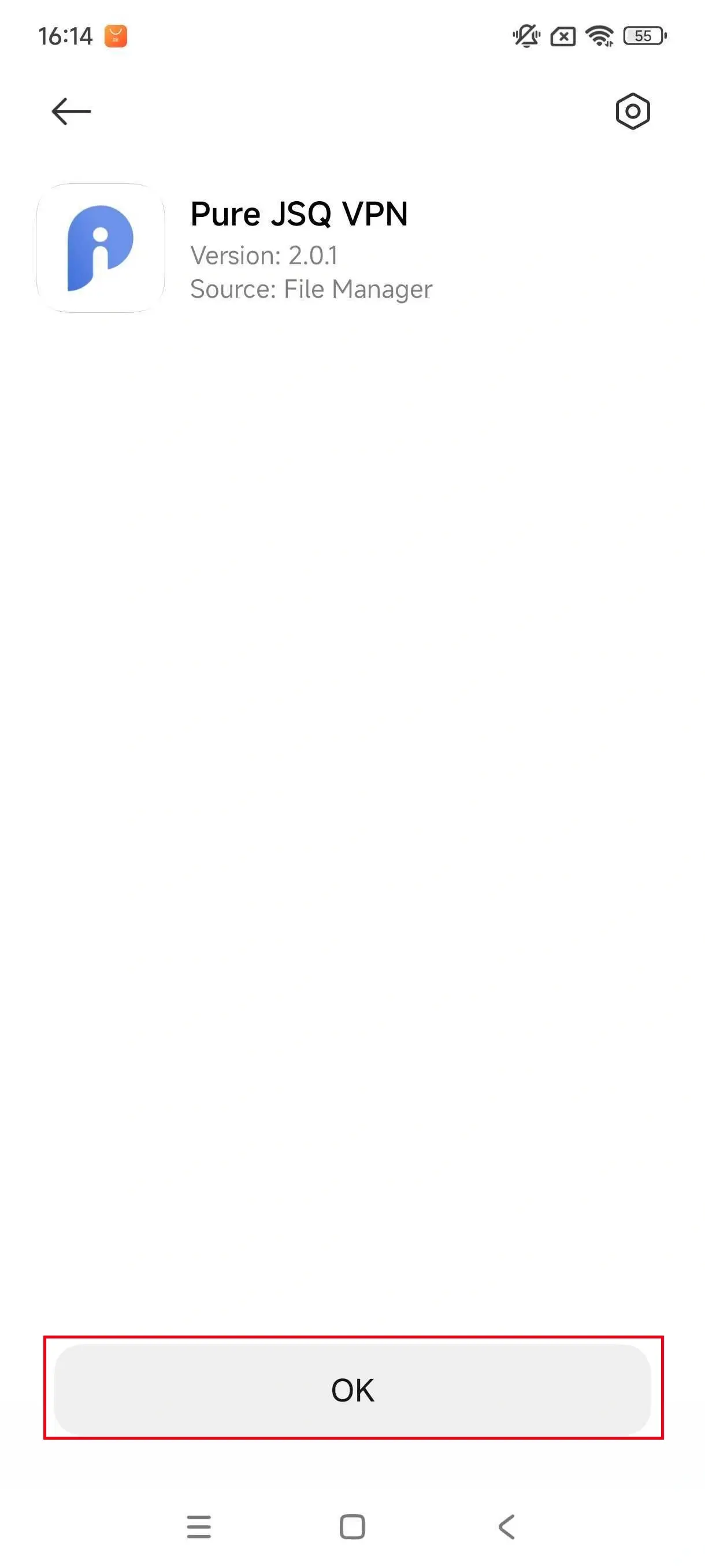
Installation complete.
- Which platforms does Pure JSQ VPN support?
- Which region speed is the fastest?
- Are there any bandwidth limits?
- Is Pure JSQ VPN safe?
- What happens if the account reached the maximum device limit?
- How can I delete my Pure JSQ VPN account?
- How to recover a forgotten account or password?
- What should I do if the payment fails
- Which payment methods are supported?
- Vivo & iQoo Phone Installation
- Huawei & Honor Phone Installation
- Xiaomi & Redmi Phone Installation
- Phone Blocks Installation Due to Virus Warning
